
What is an SOP (Standard Operating Procedure)?
An essential tool for carrying out tasks efficiently, in a structured and consistent way.
A Standard Operating Procedure (SOP) is a document with clear, step-by-step instructions that set out how certain processes must be followed to complete a task successfully.
By following an SOP, employees know exactly which steps are needed, which eliminates variation and miscommunication in the process. This not only contributes to consistency, it also makes it easier to onboard new employees quickly and to keep improving.
Although standardisation is sometimes seen as restrictive, it actually brings calm and structure. It helps employees focus on the actual work, without having to reinvent the wheel every time. Below you can read how to create solid SOPs for your organisation in five steps.

How to create solid Standard Operating Procedures
-
Step 1
List the processes you want to standardise
The best approach is to have teams, with or without their managers, draw up a list of processes that may be suitable for SOPs. The management team can then review these processes and set priorities. Keep in mind that not every process needs to be, or can be, standardised.
Expert tip: in this first phase it is tempting to create an SOP for every process. That is not the idea. Focus on processes that do not need constant changes.
-
Step 2
Draw up a plan for developing and managing the SOPs
Use a clear and consistent format
Once you have a list of processes you want to document, start with a standard format that every SOP follows. Think about how the information should be presented: step-by-step instructions, diagrams, flowcharts or a combination. Always keep the audience in mind. Then create a template so that all SOPs share the same structure and look, which makes them easier to use and understand.
Set up an effective review process
Define a process for reviewing and approving SOPs, so that every SOP is checked and approved before it is put into use. Appoint one person who is responsible for the approval, management and quality of the SOPs.
Make them digitally accessible
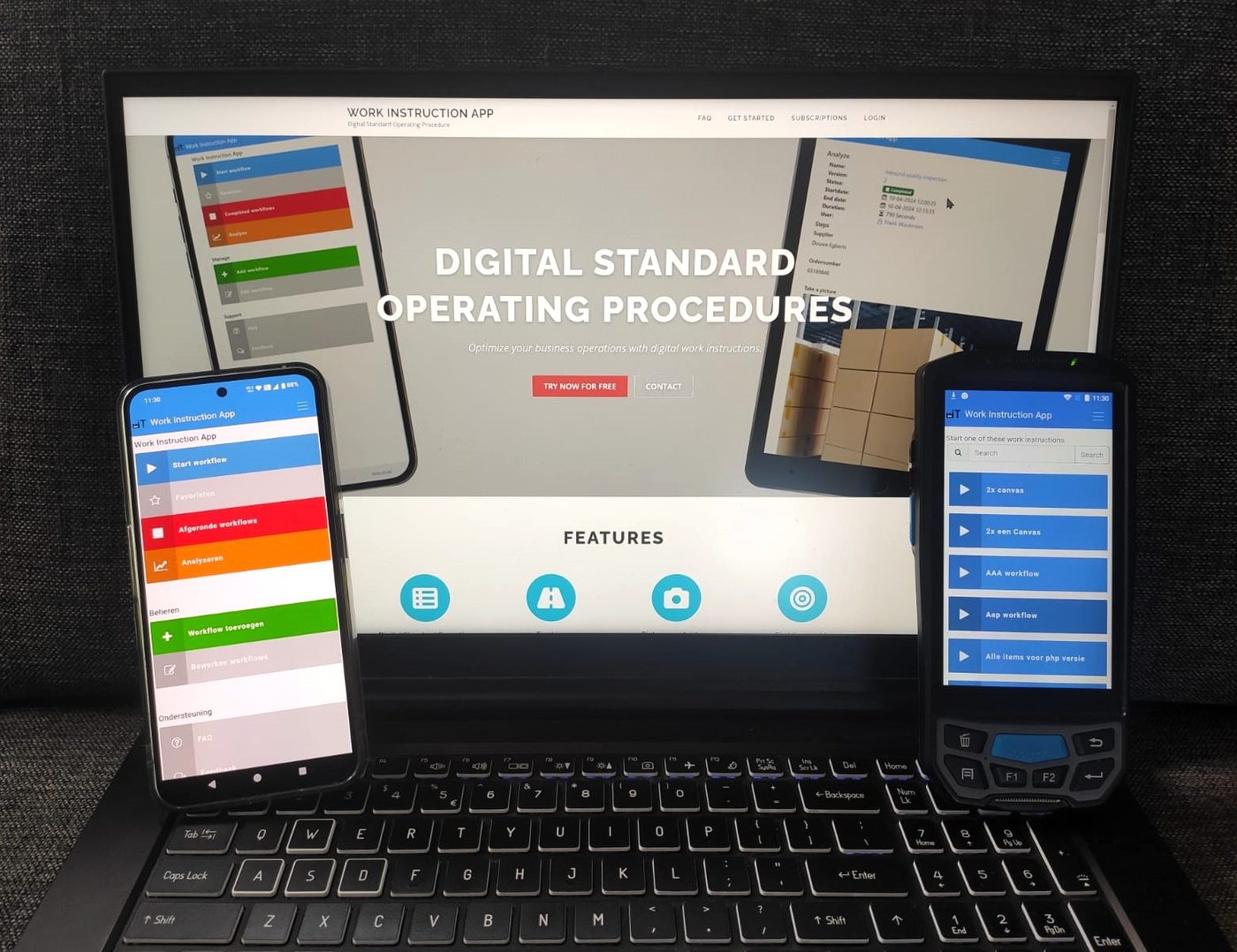
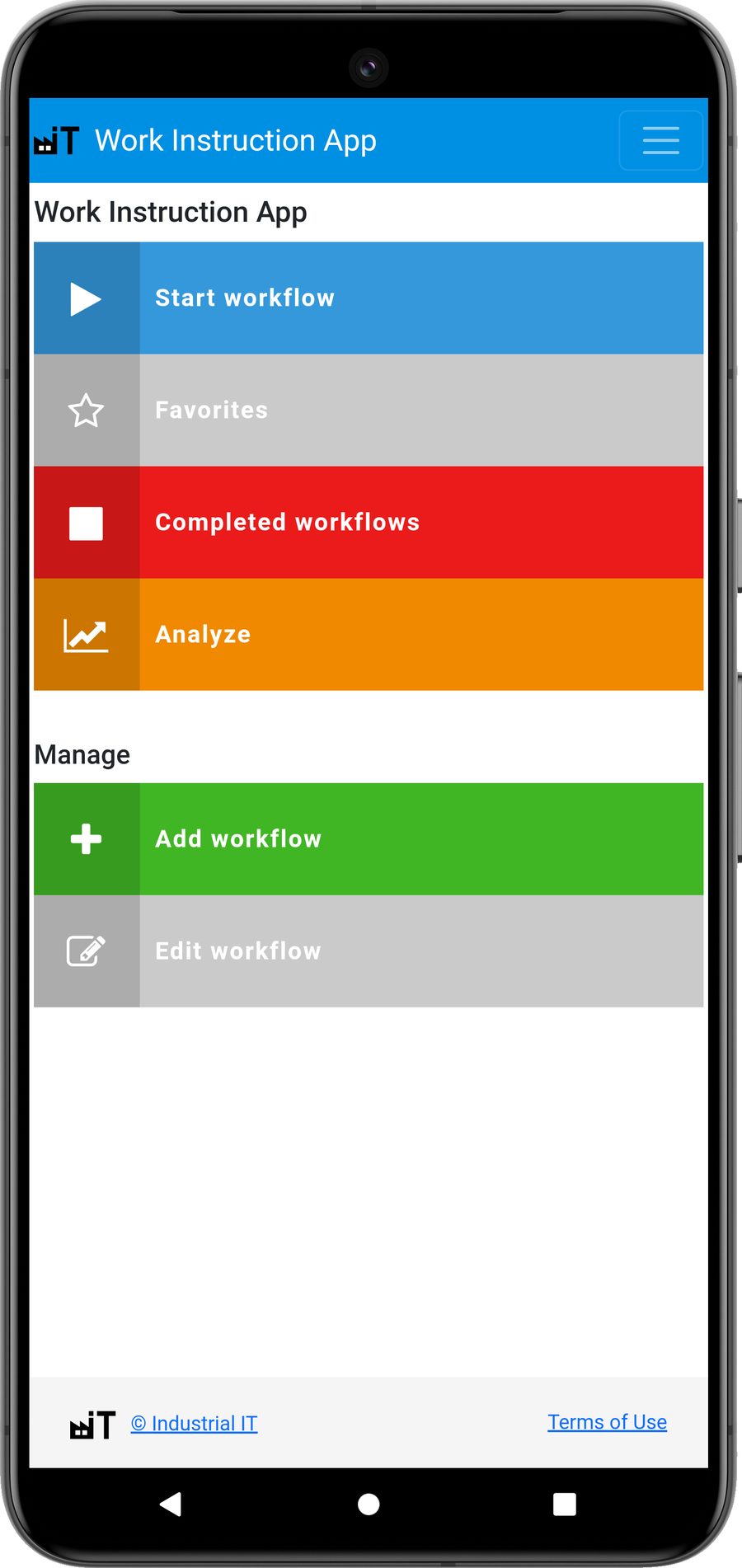
Make sure the SOPs are easily available to your employees. With the Work Instruction App all your employees always have the current SOPs at hand.
-
Step 3
Gather the information needed for the SOP
Before you start gathering information, it is important to plan how you will go about it.
- Identify the process experts. One of the best ways to get relevant information is to talk to the experts who work with the process every day. Schedule interviews with them to collect valuable input.
- Check for existing information. See whether there are already SOPs in certain departments or at other organisations that you can use as a basis. That avoids duplicate work and lets you build on existing knowledge.

-
Step 4
Write the SOP, review it and publish it
After step 3 you can write the first version of your SOP. Fill in the template with the information from the interviews with the process experts, and have the experts check the result to ensure accuracy. Most organisations follow these steps:
- Have the SOP reviewed by the process expert.
- Ask management for input.
- Make sure the quality requirements for each process are clearly recorded.
Then publish the SOP(s) to the users within the organisation.
-
Step 5
Update and maintain your SOPs regularly
Now that your SOP is ready and available, define rules for continuous improvement. That process can be standardised and documented too: a separate SOP for managing and updating existing SOPs. You have invested a lot of time in high-quality SOPs; keep them current so they do not become outdated as processes change. Create a system where employees can suggest improvements, and appoint an owner who is responsible for maintenance.
Pro tip: keep it manageable. Organisations often tend to standardise too many processes. Match the number of SOPs and the level of detail to the audience and the maturity of the organisation.


Latest articles
7 Practical ways to improve your Standard Operating Procedures today
From paper documents to usable instructions on the shop floor: seven practical improvements to your SOPs that you can put in place today.
How to increase production reliability with SOPs: 5 essential steps
Learn how well-written Standard Operating Procedures improve the reliability and continuity of your production process, in five practical steps.
Improve your processes with NFC-driven work instructions and a digital logbook
With NFC tags on the shop floor and a digital logbook, your SOPs are instantly available to employees and automatically linked to Exact Online.


Support your process with software
Always up-to-date procedures and logged processes with the Work Instruction App.